Your cloud, your rules
Deploy OfficeDocs into infrastructure you control — single-node or high-availability Kubernetes. Documents, metadata and permissions never leave your network boundary.

OfficeDocs is a self-hosted document collaboration suite for real-time docs, writers, spreadsheets, presentations, forms and tables, with configurable AI agents built into every product, deployed into a private cloud you control.
Pick a scene and watch the workspace move — every example is a real file type.
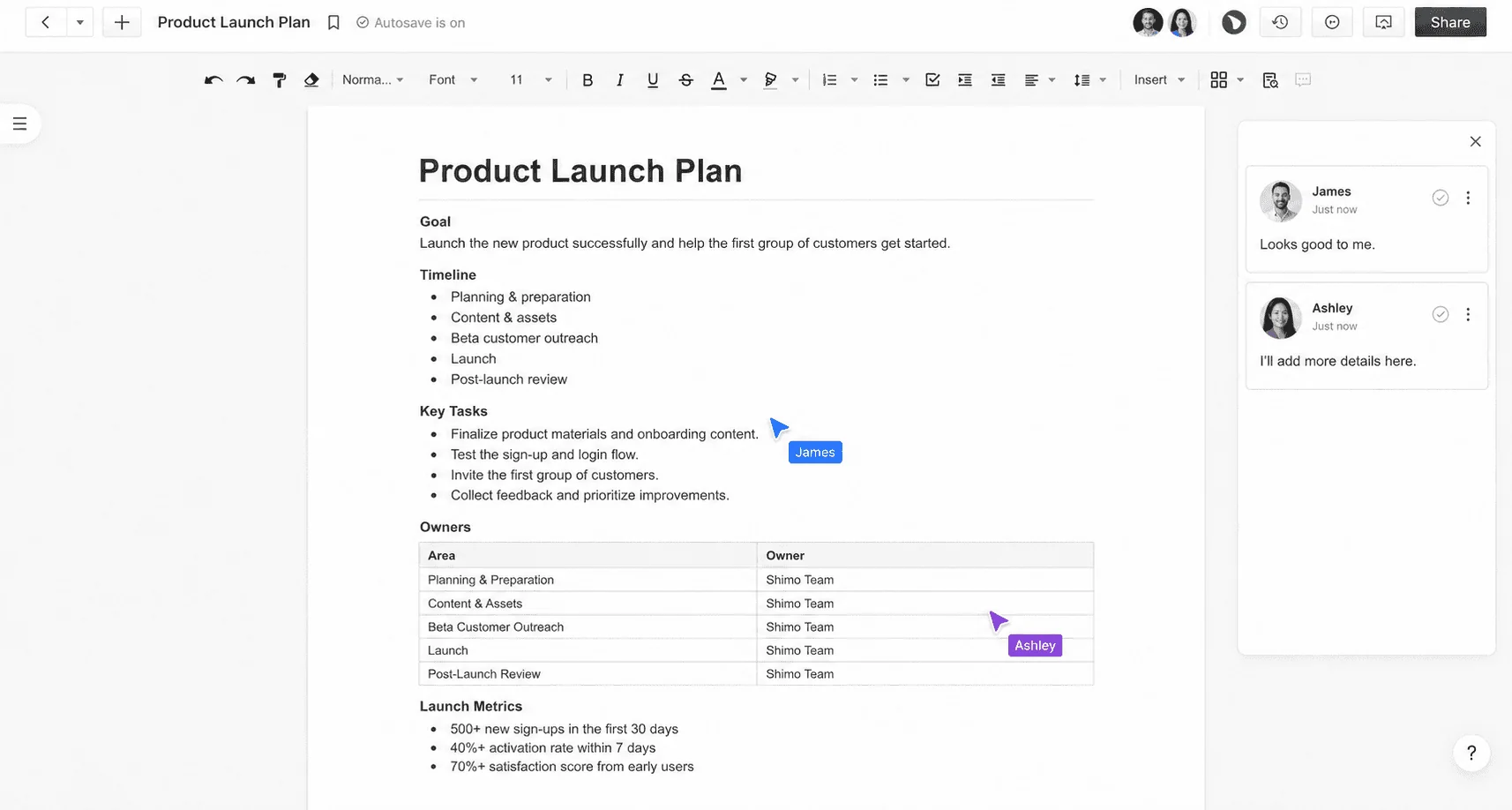
Shared context, visible handoffs and a clear next step for the team.
OfficeDocs in numbers
Public cloud suites are convenient until your documents, prompts and audit trail live on someone else's infrastructure. OfficeDocs keeps the collaboration experience and returns the control.
Deploy OfficeDocs into infrastructure you control — single-node or high-availability Kubernetes. Documents, metadata and permissions never leave your network boundary.
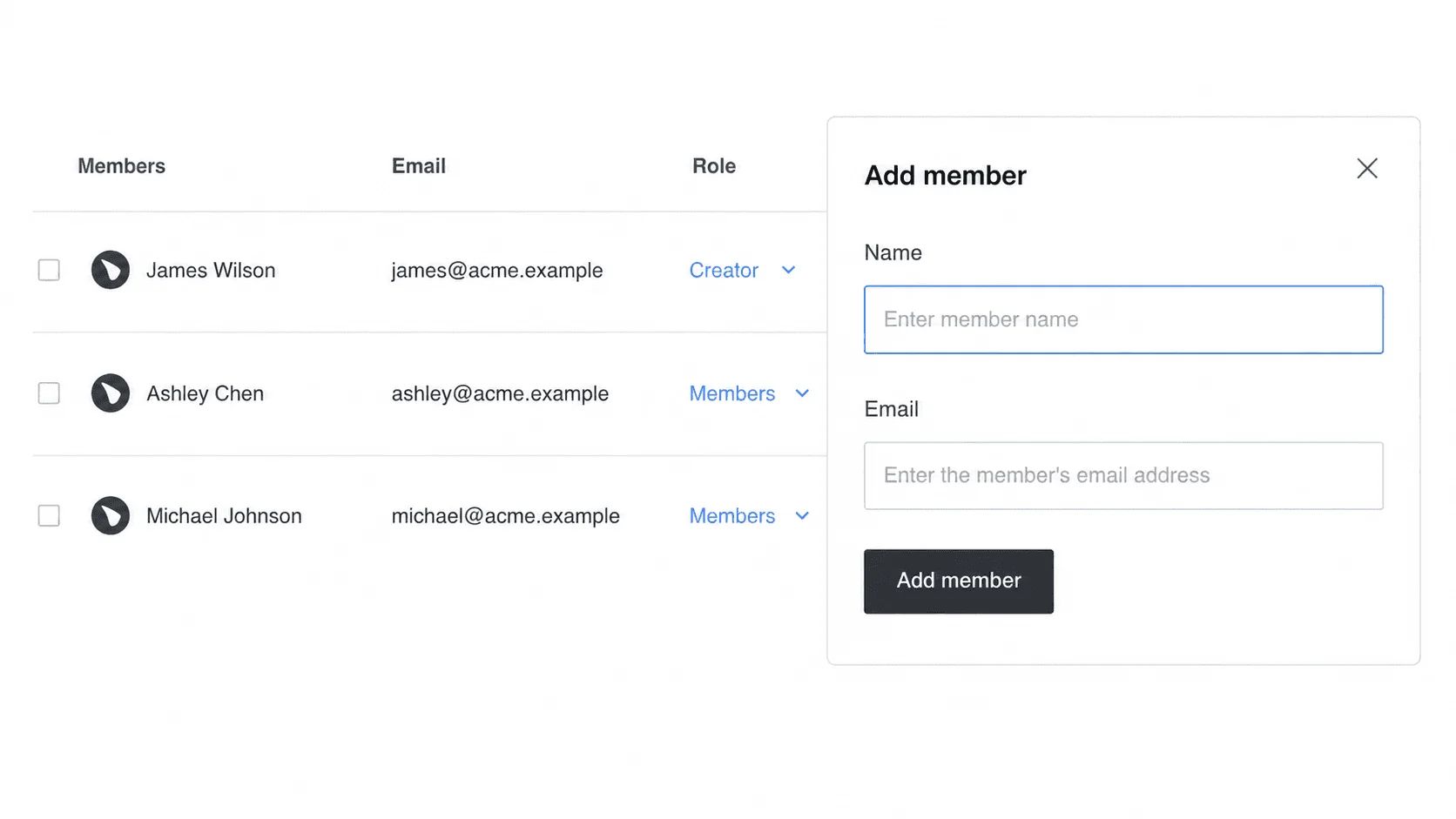
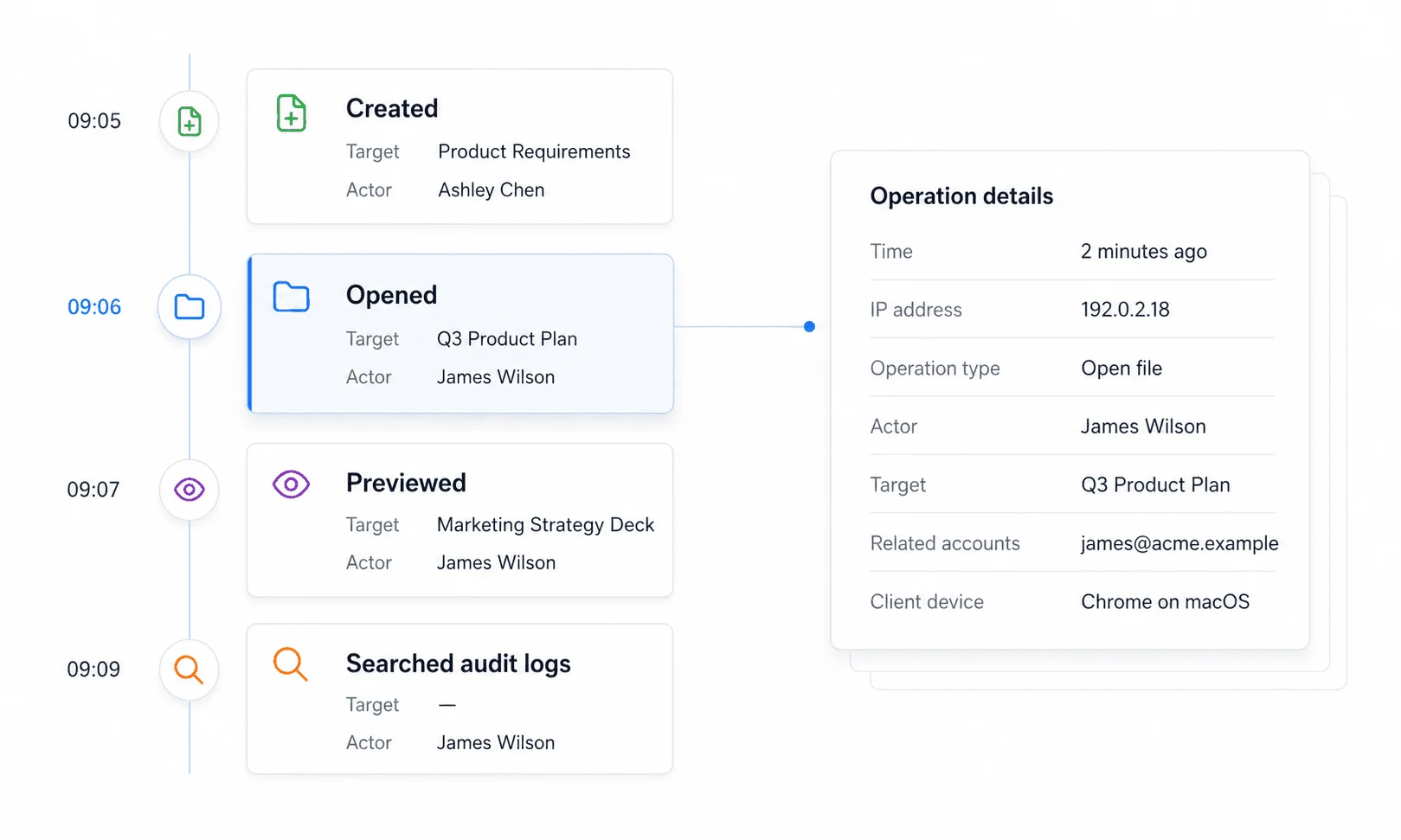
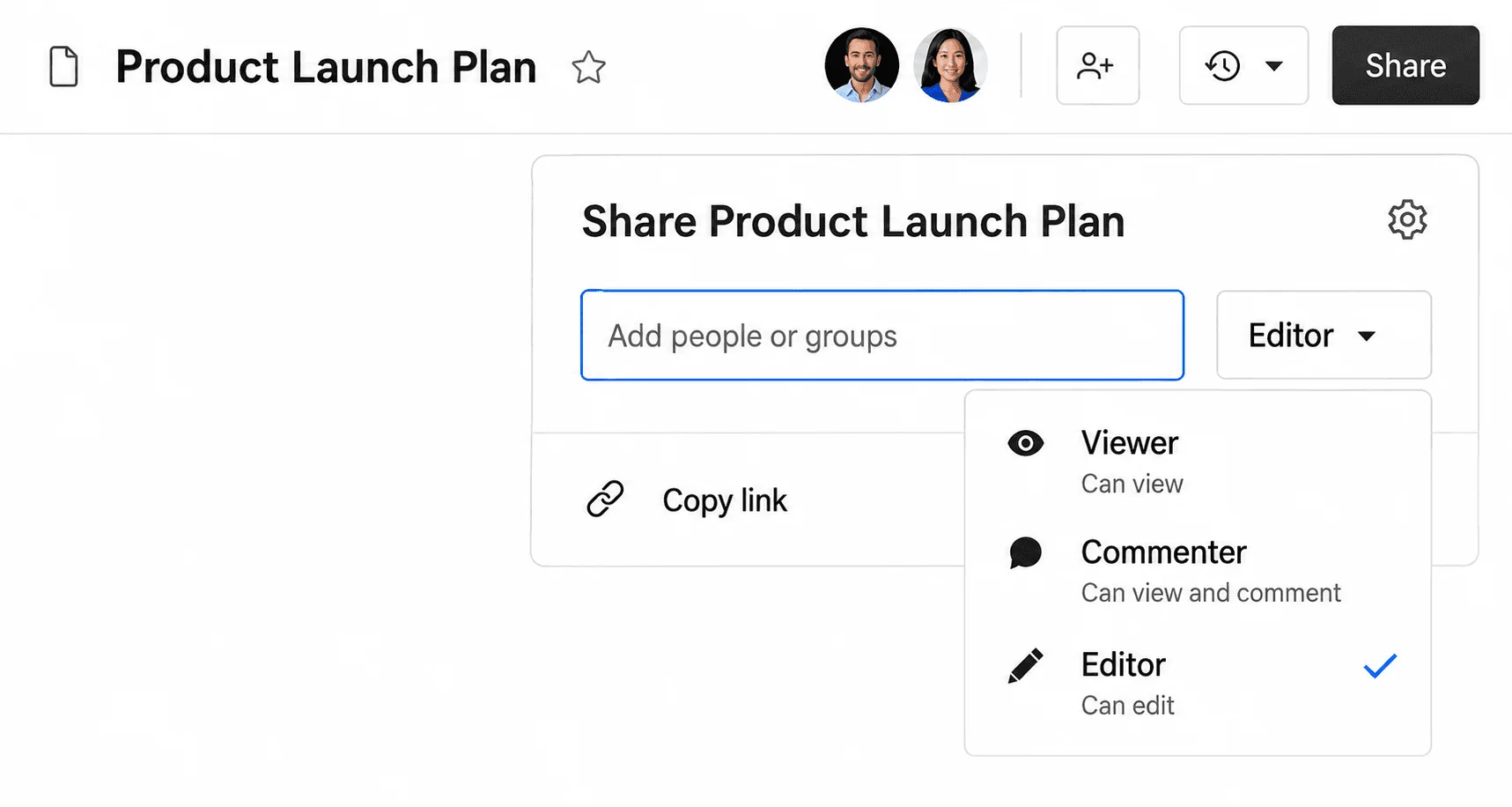
Enterprise permissions, audit logs, external-link controls and version history keep sensitive work traceable, reviewable and inside your own security model.
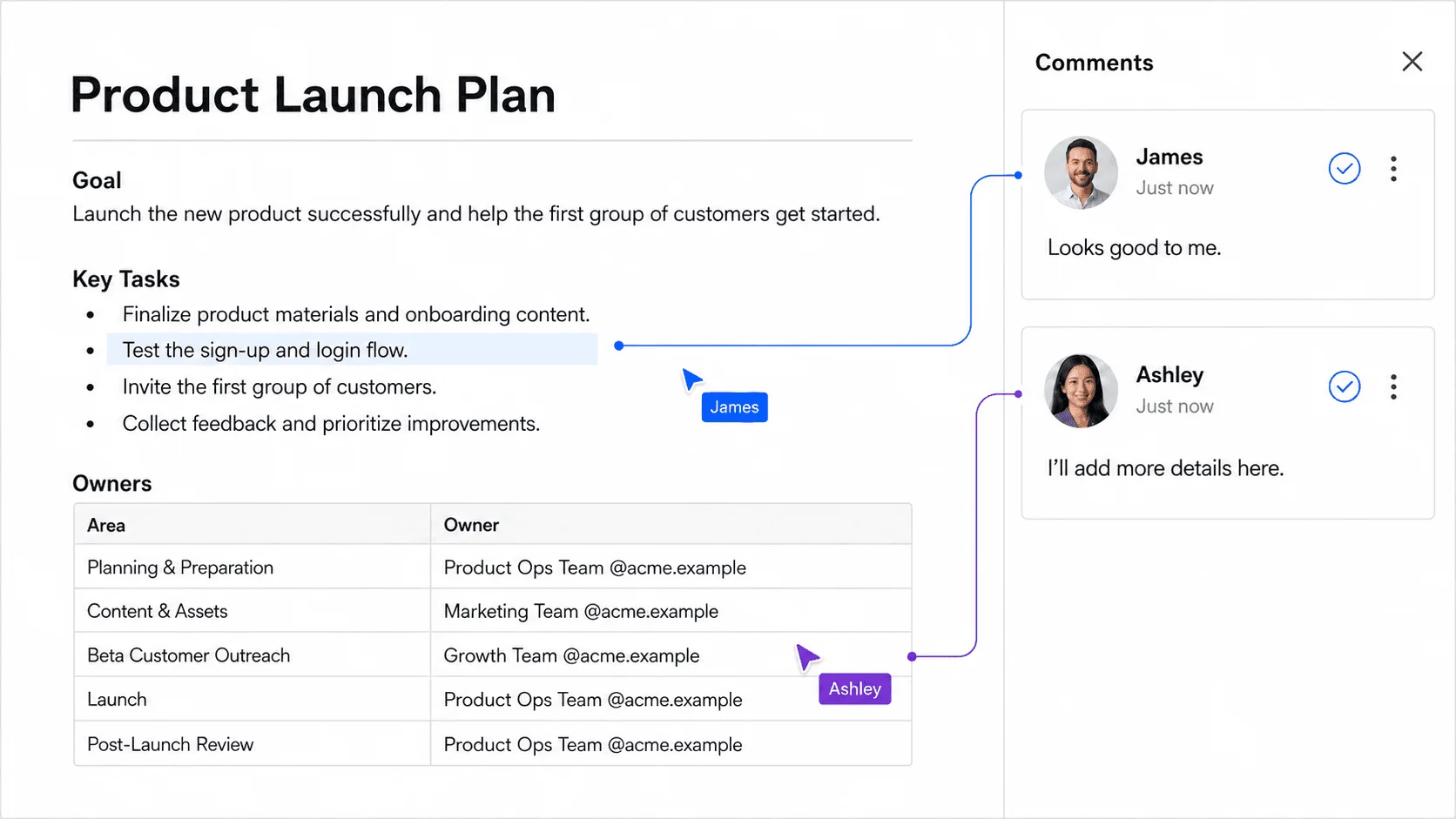
Point the AI layer at the model provider you have approved. Agents work inside the document with a visible identity, a live cursor and a full edit history.
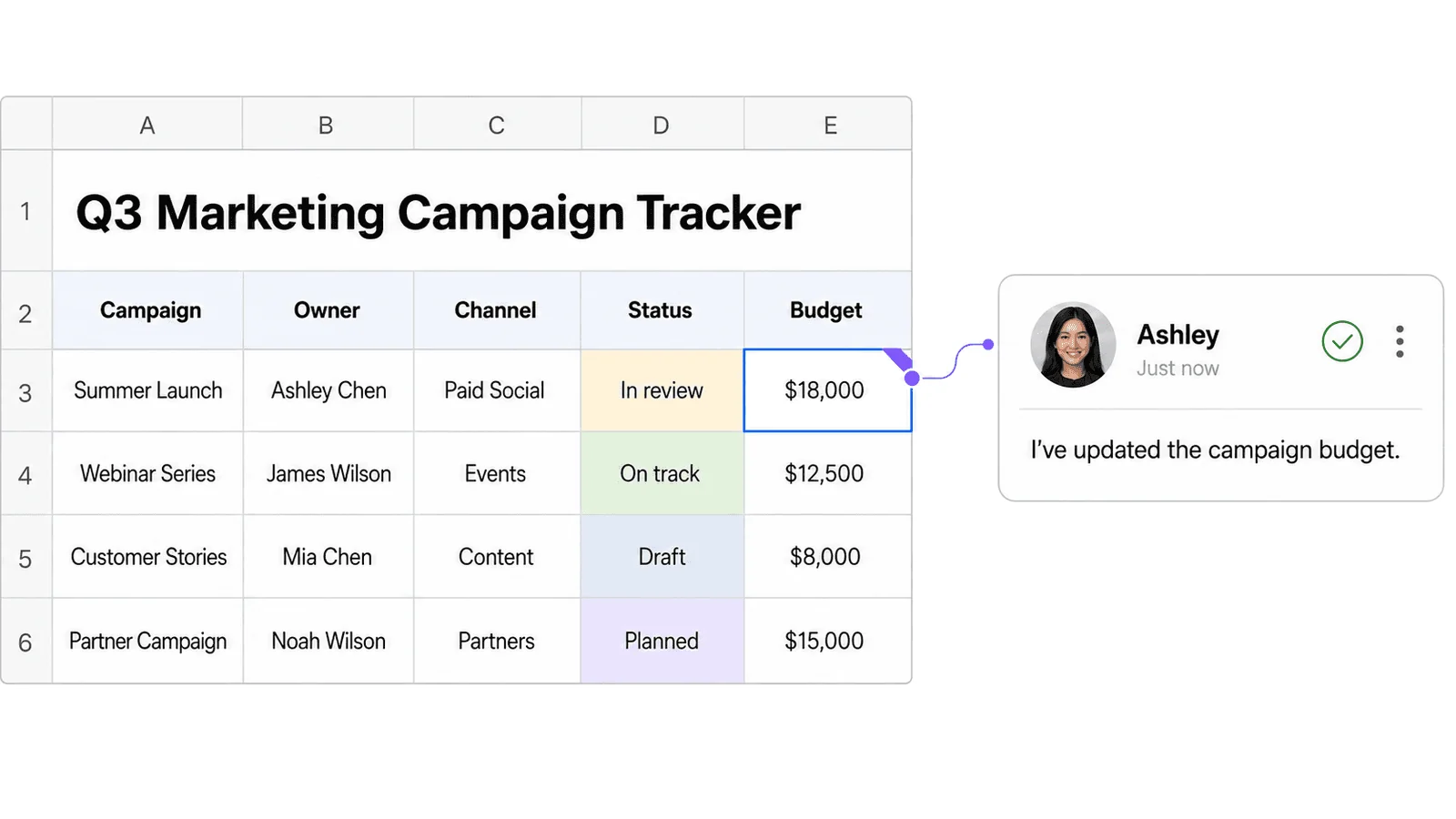
Docs, data, stories and intake live together, so teams can move from context to action without changing tools.
OfficeDocs is a self-hosted document collaboration suite for real-time docs, writers, spreadsheets, presentations, forms and tables, with configurable AI agents built into every product, deployed into a private cloud you control.
Yes. OfficeDocs is deployed into infrastructure you control — a single-node or high-availability Kubernetes cluster — so documents, metadata and AI context stay inside your own network boundary.
AI agents work in the same document people are editing. Every action appears with an identity, a live cursor and an entry in the edit history, so a reviewer can see what changed and take over at any point.
Yes. The AI configuration layer lets you point OfficeDocs at the model provider you have approved, so prompts and document context are not sent to a vendor you have not chosen.
OfficeDocs covers the same collaboration surface — real-time editing, comments, version history and sharing — but keeps the data in your private cloud and adds document-level permission and audit controls.
OfficeDocs is free for teams of up to five people, with no time limit. Teams larger than five pay $5 per user per month for advanced permissions, single sign-on, audit logs and AI assistance, and annual billing reduces that by 20%. The servers the suite runs on are separate from the licence.
Email [email protected] to request the free perpetual license. No credit card is required. Larger teams can ask for a quote based on team size, and the license is activated from the operations platform after the suite is deployed.