Compare OfficeDocs with leading collaboration platforms.
How OfficeDocs compares with Google Docs, Microsoft 365, Nextcloud, ONLYOFFICE and Notion on private deployment, data ownership, editing experience, permissions and price.
Last updated
OfficeDocs in numbers
OfficeDocs is a self-hosted document collaboration suite for real-time docs, writers, spreadsheets, presentations, forms and tables, with configurable AI agents built into every product, deployed into a private cloud you control.
Free plan
5 users
Team plan
$5 per user per month
Annual billing
20% off
Deployment
single-node or high-availability Kubernetes
How to use the matrix
Compare the boundary, then the features.
Write down where documents, metadata and AI context are allowed to live.
Mark the permissions, audit and identity controls your review requires.
Test the hardest real document and the migration path before scoring features.
Compare the ongoing operating work alongside the licence price.
Capability matrix
One table, six platforms.
Ticks mark the broad capability or deployment shape the product publishes. The table keeps the comparison at the level that can be checked from each vendor's current documentation. Prices change by plan, region, currency and billing term, so competitor cells should be checked against current vendor pricing rather than repeating volatile numbers; self-hosted options also carry infrastructure and operating costs.
Capability
OfficeDocs
Google Docs
Microsoft 365
Nextcloud
ONLYOFFICE
Notion
Real-time collaboration
✓
✓
✓
✓
✓
✓
Self-hosted deployment option
✓
—
—
✓
✓
—
Data stored in infrastructure you control
✓
—
—
✓
✓
—
Starting price
$5 / user / month
See current vendor pricing
See current vendor pricing
Software and infrastructure vary
Software and infrastructure vary
See current vendor pricing
Why teams choose OfficeDocs
The same editing experience, inside your own boundary.
Familiar experience
Google Docs-style editing that your team can adopt in minutes.
Private and secure
Deploy in your own environment and keep full control of your data.
Enterprise control
Review permissions, audit and identity controls against your deployment requirements.
A clearer boundary
Keep the document workload in infrastructure your organisation controls.
Open and extensible
Assess the integration surface and operating work against your own environment.
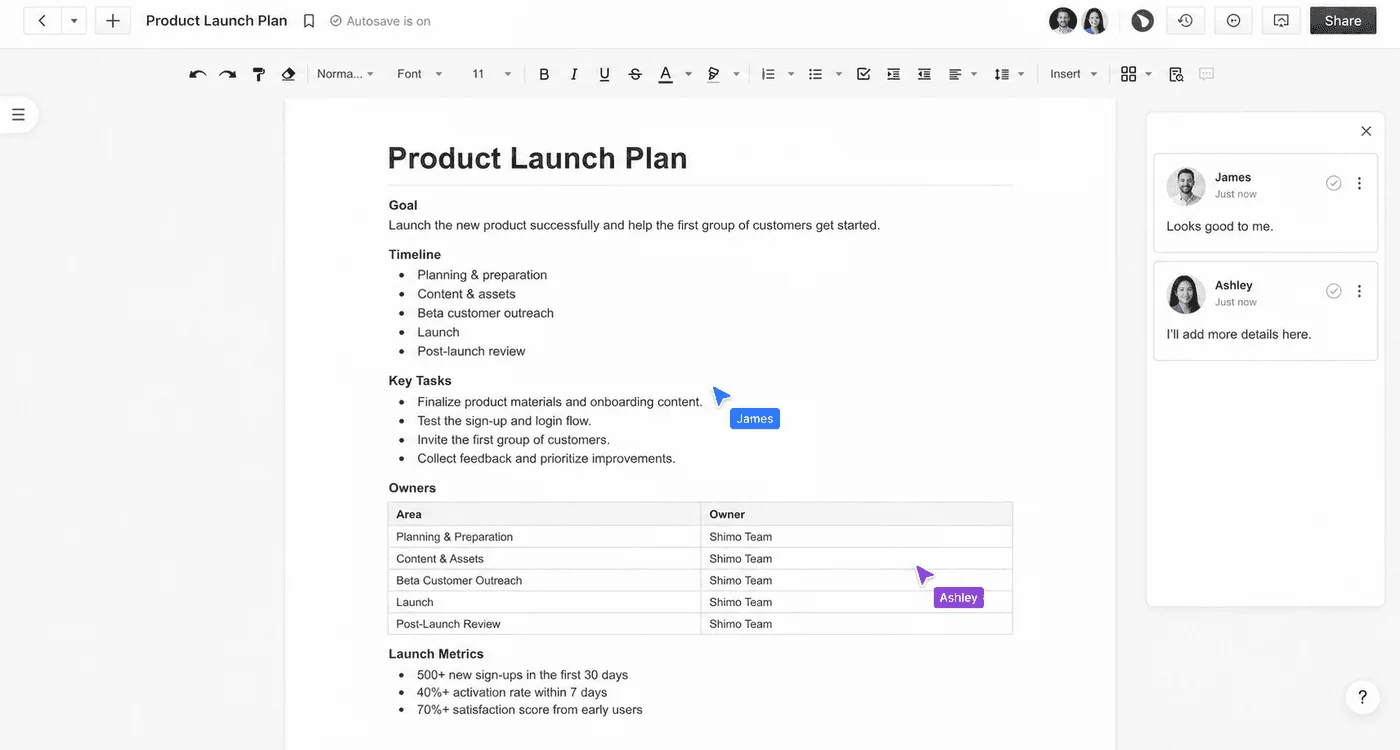
The comparison above is about where the work runs, not what it feels like to do. Live cursors, comments and sharing behave the way your team already expects.
Read the comparisons in full
One platform at a time, in detail.
Each article works through the migration questions a team actually asks: what moves cleanly, what does not, and what you keep control of afterwards.
The useful comparison is the one run against your requirements, your compliance constraints and your existing suite. Talk to the team, or start with the deployment guides.